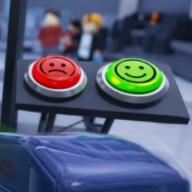
Can you play Secure the Airport on mobile?
Yes. Bro Brought WHAT?? lists Mobile and Tablet on the official page. Secure the Airport mobile uses touch HUD controls via the Roblox app.
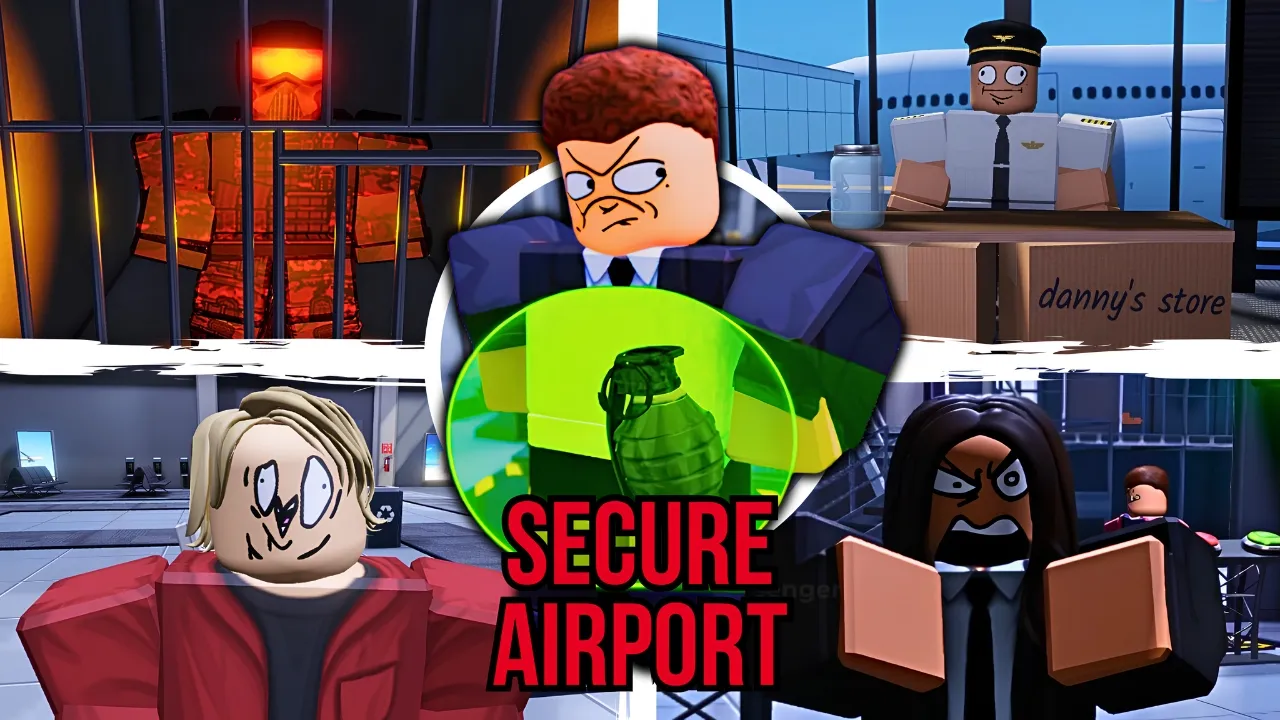
Secure the Airport mobile guide for Roblox — touch HUD, screening, and gameplay on phone and tablet.
Play Secure the Airport mobile — full touch HUD walkthrough on phone and tablet.
Secure the Airport mobile runs through the Roblox app on iOS and Android phones and tablets. Bro Brought WHAT?? lists the experience as playable on Desktop, Mobile, Tablet, and Console — the same July 2026 build as PC.
Scan passengers. Stop threats. Defend the airport. Touch Secure the Airport controls cover movement, passenger scanning, luggage minigames, document checks, Class purchases, and combat when airport threats escalate.
Scan passengers with security equipment, search luggage for prohibited items, verify passports and boarding passes, earn Cash, upgrade gear, unlock Classes, and defend the airport against escalating criminals and boss threats. Playable on Desktop, Mobile, Tablet, and Console. Mobile players earn Cash at the same rates as desktop when screening efficiently — orientation, HUD awareness, and tap accuracy matter more than hardware.
Use this Secure the Airport mobile guide with the controls reference and beginner guide for cross-platform Secure the Airport Roblox progression.
The Secure the Airport mobile HUD follows standard Roblox touch patterns: virtual joystick on the left for movement, camera drag on the right side of the screen, and action buttons along the edges for scan, interact, and shop menus.
Scanner prompts appear near the checkpoint when passengers queue. Tap highlighted zones on passenger models — front and back — instead of trying to circle entire avatars on a small screen.
Shop, Class, and upgrade buttons typically sit on the right HUD cluster, matching PC placement in July 2026 community gameplay. If a tab is missing, scroll the overlay — future Secure the Airport codes menus may live below game pass rows.
Join sessions from the official Roblox page on your device or search Secure the Airport inside the app. Confirm Bro Brought WHAT?? on the loading screen to avoid wrong-game mobile installs.
| HUD zone | Label | Touch action |
|---|---|---|
| Left pad | 🕹️ | Virtual joystick — move officer |
| Right drag | 👀 | Camera / aim scanner |
| Center prompts | 🔍 | Tap scan zones · luggage picks |
| Right buttons | 🛒 | Shop · Classes · upgrades |
| Top alerts | ⚠️ | Breach warnings · day timer |
Screening on Secure the Airport mobile rewards fast taps over precision mouse aim — but you still must hit front and back scan zones on each passenger. Missing a side sends threats through or wastes redo time.
Luggage minigames enlarge flagged items on touch — tap the obvious prohibited object and confirm. Do not pinch-zoom unless the UI offers it; extra gestures slow queue throughput on Secure the Airport Roblox phone sessions.
Document checks use tap-to-compare flows: passport photo, boarding pass, and passenger model. Hair disguise tells still matter on mobile — swipe camera quickly rather than walking around the NPC.
Complete luggage for every queued passenger before the day timer clears the line. The passenger screening page checklist applies equally to Secure the Airport mobile and PC.
Breach events on Secure the Airport mobile map fire buttons to large touch targets — usually a tap-to-shoot icon when weapons activate. Class choice still determines DPS and HP: save Cash for Officer Elite before blaming touch aim.
Swap weapons through HUD icons or numbered slots if visible. Juggernaut-tier tanking is possible on phone but easier on tablet screens — consider tablet for late boss attempts in Secure the Airport Roblox.
Detain or taser prompts appear as contextual taps — same as PC left-click. Watch for yellow interact icons during criminal events so you do not burn ammo on non-lethal opportunities.
Pair mobile combat with the bosses hub and class tier list so you know when your loadout is under-tier for touch-only aim.
Secure the Airport mobile runs smoother with Roblox graphics set to automatic or lower when frame drops interrupt scan timing. Open Roblox settings → graphics before long screening sessions.
Close background apps on older phones — Secure the Airport Roblox spikes CPU during multi-player breach events with fourteen-player servers.
Use Wi-Fi for stable input registration; mobile data lag can delay tap confirms on luggage minigames. Rejoin a less crowded server if prompts feel unresponsive after the July 2026 update.
Battery saver modes on some devices throttle touch response — disable them for competitive Secure the Airport mobile boss attempts.
| Tip | Tag | Why it helps |
|---|---|---|
| Landscape | 📐 | Wider FOV for scanner and luggage |
| Lower graphics | ⚡ | Stable FPS for tap timing |
| Wi-Fi | 📶 | Fewer input delays on busy servers |
| Tablet for bosses | 📱 | Larger targets for late-game fights |
Yes. Bro Brought WHAT?? lists Mobile and Tablet on the official page. Secure the Airport mobile uses touch HUD controls via the Roblox app.
Same mechanics — virtual joystick and taps replace WASD and mouse. See controls for the full input map.
When codes are active: open the in-game shop, find Code, paste, Claim. Details on how to redeem. None confirmed July 2026.
Landscape for scanner width. Portrait works but shrinks luggage tap targets in Secure the Airport Roblox.
Yes — shared servers and progression. Confirm Secure the Airport by Bro Brought WHAT?? on join.
Matched by build plan, shared topics, and guide progression — not random related links.